

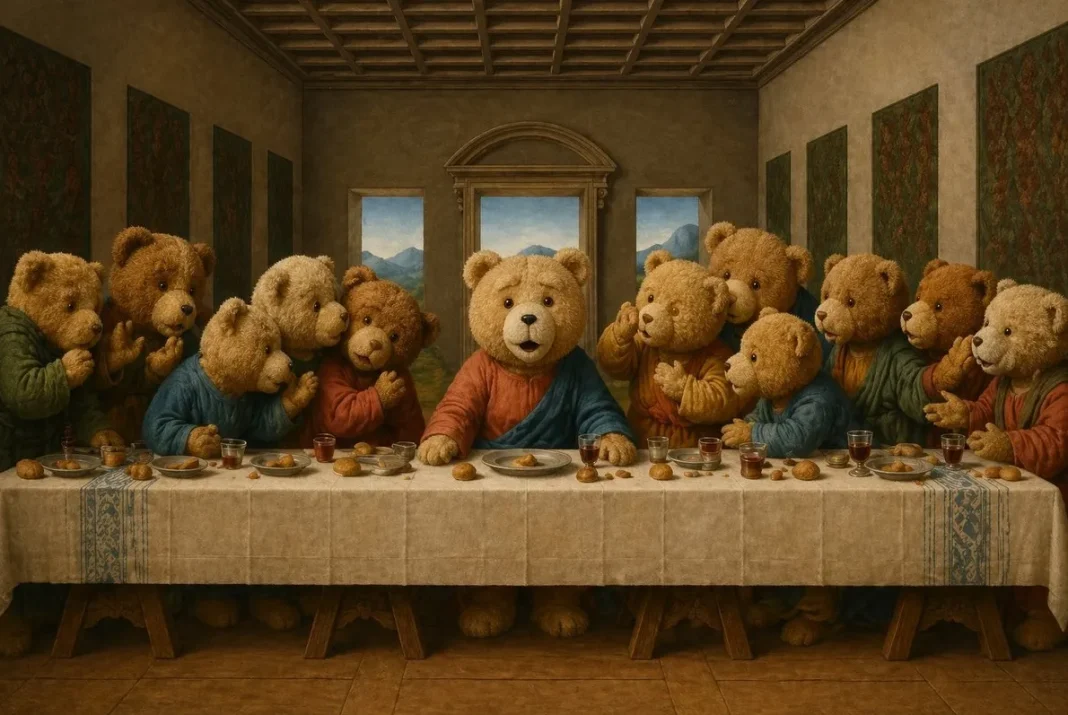

AI image generation is everywhere now. ChatGPT can generate images, Midjourney keeps getting better, and DALL-E is built right into everyday tools. But here is the thing most people discover after their first few tries: they have no idea what to actually make. You open the tool, type something like “a cool landscape,” get a mediocre result, and close the tab. Sound familiar?
The problem is not the AI. The tools are genuinely powerful. The problem is that most people lack two things: inspiration for what is possible, and the prompt skills to make it happen. Nobody tells you that AI can generate Ghibli style portraits from your photos, create product photography without a camera, turn your face into a Pixar character, or produce film noir scenes that look like movie stills. These are things AI can do right now — but you would never know unless someone showed you.
This is why I recommend DrawPrompt to anyone interested in AI image generation. It is a free site that solves both problems at once. Instead of giving you a blank text box and saying “go create,” it shows you over 167 specific things AI can do, organized by category — photography, poster design, character art, product shots, game art, and more. Each effect has an example image so you can see the result before you try anything, plus a ready-to-copy prompt that you can paste directly into ChatGPT or Midjourney and get the same result immediately.
What makes it genuinely useful rather than just a gallery is that every prompt comes with a breakdown explaining why it works. You learn what phrases control lighting, how to describe materials and textures, and why certain style references produce better results than others. After browsing through a few categories, you go from “I have no idea what to type” to “I know exactly how to get what I want.” That shift is huge.
If you are specifically using ChatGPT for image generation, their GPT Image 2 prompts page is worth bookmarking. Every prompt on that page has been tested with GPT Image 2 specifically, so you know the results will match what you see. The categories range from practical use cases like e-commerce product photos and social media content to purely creative ones like anime character sheets and retro game art.
For anyone who wants to push quality further, they also have a photorealistic prompt guide that teaches camera terminology, lighting setups, and composition techniques that make AI images look indistinguishable from real photographs. This knowledge transfers to every single AI tool you use.
The bottom line: AI image generation is not hard, and you do not need to be an artist. You just need to know what is possible and have the right prompts to start. Once you see what these tools can actually produce, you will truly never run out of ideas.